Setting the permissions of a Showroom paint
There are three privacy settings available when uploading a paint to the Showroom.
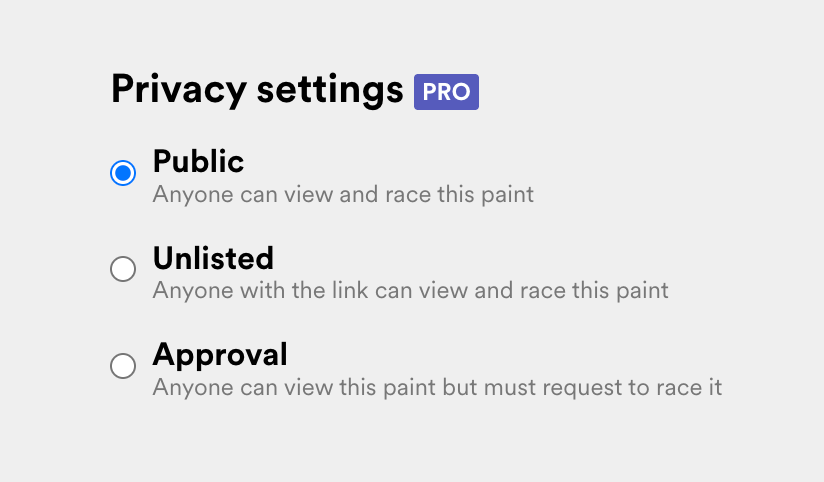
Public: (default) anyone on Trading Paints can view and race your listing. Your paint will be displayed in search results and on Showroom listing screens. Your followers will receive a notification on the Trading Paints website.
Unlisted: only people with the link can view and race your listing. Your paint will not appear in search results and other Showroom listings. Your followers are not notified. This is a good option if you want to share a Showroom paint with someone privately. (Note: all community guidelines still apply.)
Approval: anyone on Trading Paints can view your listing, but you’ll need to approve any requests to race the paint in your messages inbox under Requests. Your followers will receive a notification when you post a listing as if it’s a Public paint, but anyone wishing to race the paint will require your manual approval. When you approve someone who requests to race a paint, they have the option to race it if they choose.
Showroom permissions are set at the individual paint level; in other words, you currently can’t change all of your paints to use one permission level.
Unlisted and Approval options are only available for Trading Paints Pro members.